Add Burt for the law firms you already serve.
You build sites and run ads for injury firms. Add Burt to their sites, and earn when a client moves to a paid plan.
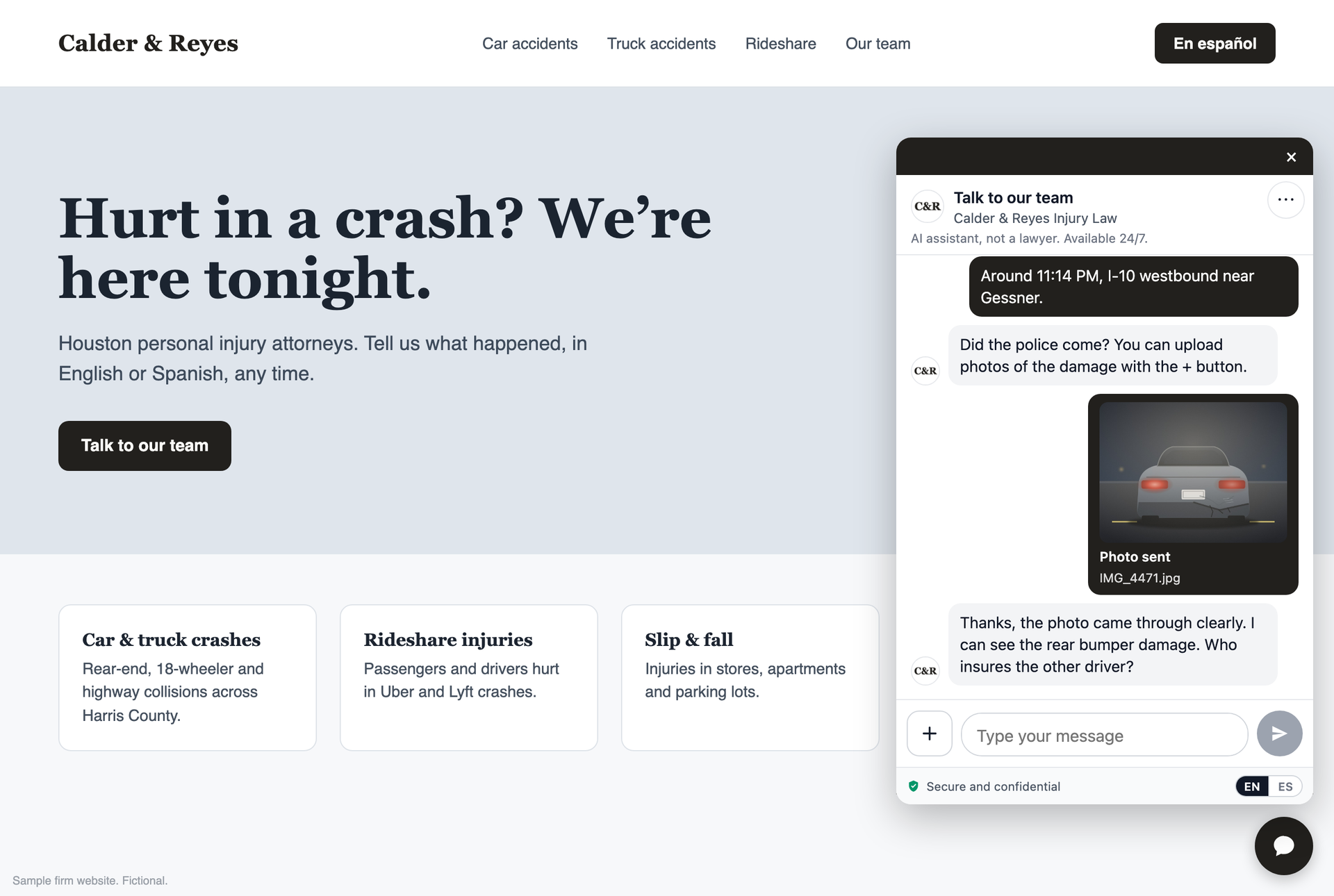
You build sites and run ads for injury firms. Add Burt to their sites, and earn when a client moves to a paid plan.
One simple structure for every client you bring to Pro or Premium.
Bring 10 firms to Premium: $1,000 in activation bonuses, then about $148 a month for 24 months.
The $100 is paid once for each client on Premium, after their 90th day on Premium, once their second invoice is paid with no chargeback.
The 15% is of what the client pays each month for Pro or Premium, after discounts, for 24 months. It is on the monthly plan price only.
A client who starts on Free stays credited to you for 12 months. You start earning when they move to Pro or Premium. Referring your own firm does not earn commission.
Your partner dashboard shows your referral link, your clients, your commissions and your payouts.
We answer the chats and support your clients. You add one line of code.
No. The chat shows your client's firm name, logo and colors, and the assistant introduces itself as the firm's intake assistant. There is no "Powered by Burt" line. One exception: if a Premium firm turns on privacy mode (only its team can read contact details), a short privacy notice in the chat names Burt.
Yes. Each client firm has its own Burt account. Your client can invite you to their team, and one sign-in can belong to several firms. Your partner dashboard lists every client you brought.
We do. Your clients email support@hiburt.com, and on Pro and Premium they can ask us to install Burt for them. You don't staff a help desk for Burt.
On Premium, yes. Burt can send each case the firm marks Qualified to Zapier, Make or your own system. Read the setup guide
Not yet. We don't offer a formal uptime agreement (SLA). We are an early company and say so. Burt runs on established US hosting, and every provider is listed in our security details.
Tell us about your agency. We will set you up with a partner account and your referral link. It takes a short meeting.
We usually reply within one business day. Keep an eye on your inbox.